
TypeLess
Type less. Paste more.
Paste ready-made templates into any web form — and nothing ever leaves your browser.
GPLv3Manifest V3Zero dependencies
No server
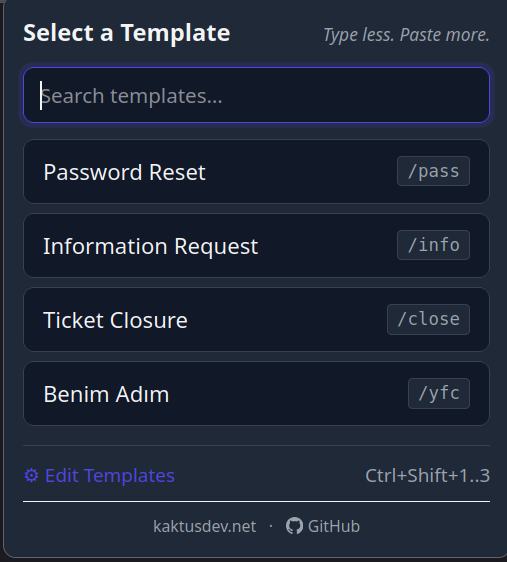
Type less. Paste more.
Paste ready-made templates into any web form — and nothing ever leaves your browser.
Keyboard shortcuts, popup menu, /slash commands, and a fuzzy slash autocomplete.
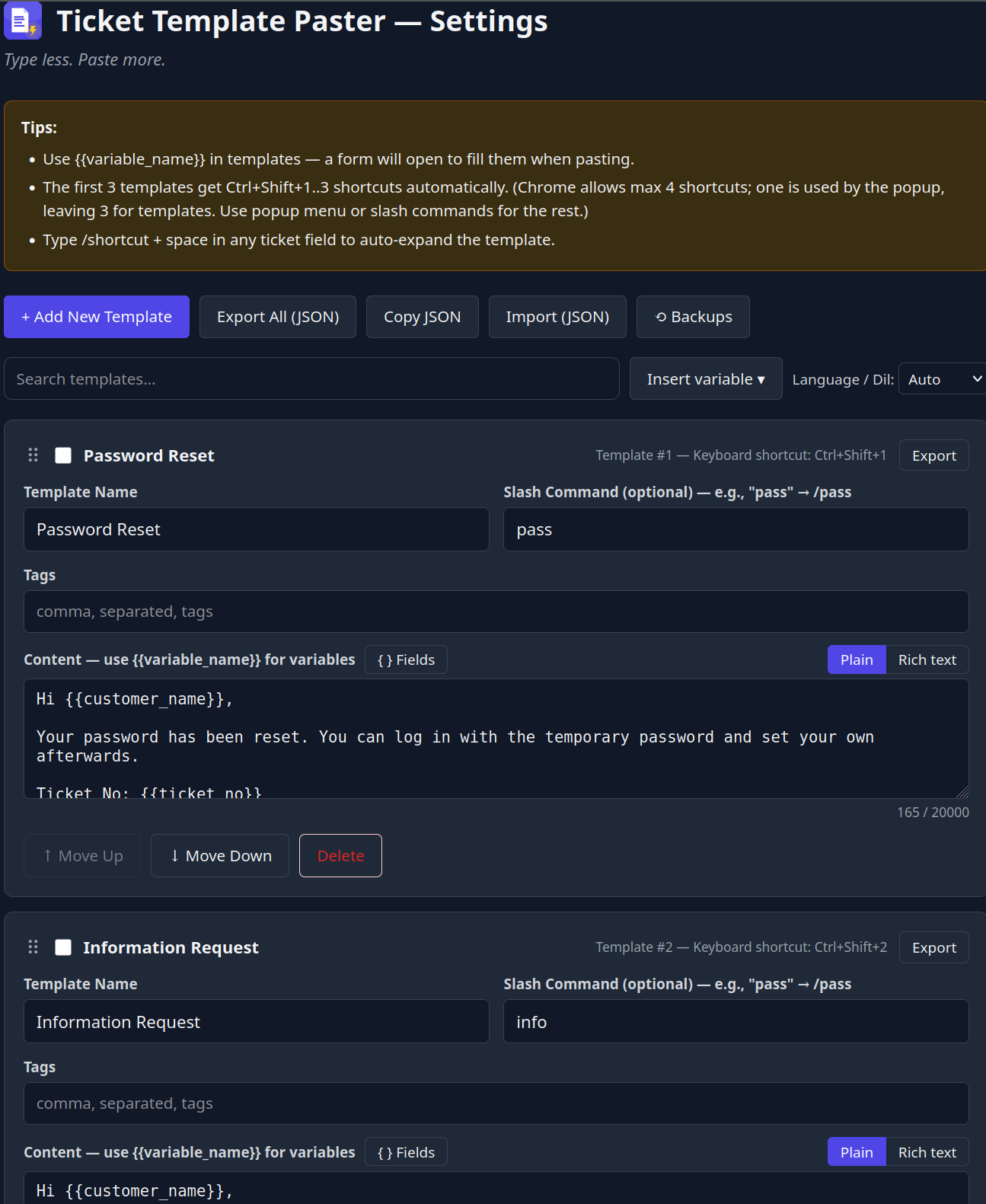
{{date}}, {{date+3d}}, {{time}}, {{cursor}} — resolved locally, no permissions.
Text, dropdown and date fields with defaults — built visually, no syntax to memorise.
Bold, links and lists paste formatted into rich editors and degrade to clean plain text.
Automatic rolling snapshots with one-click restore. Import/export as JSON.
Import your snippets straight from Text Blaze or Magical.
| TypeLess | Text Blaze | Magical | TextExpander | Briskine | |
|---|---|---|---|---|---|
| Free (unlimited) | ✓ | limited | ✗ | ✗ | 30 |
| No server / 100% local | ✓ | ✗ | ✗ | ✗ | ✗ |
| Open source | ✓ | ✗ | ✗ | ✗ | ✗ |
| Firefox + Chrome | ✓ | ~ | Chrome | ✓ | ✓ |
| Dynamic variables | ✓ | paid | ✓ | ✓ | ✓ |
| No account required | ✓ | ✗ | ✗ | ✗ | ✗ |
Comparison based on publicly listed plans, June 2026. Competitor features may require a paid tier.